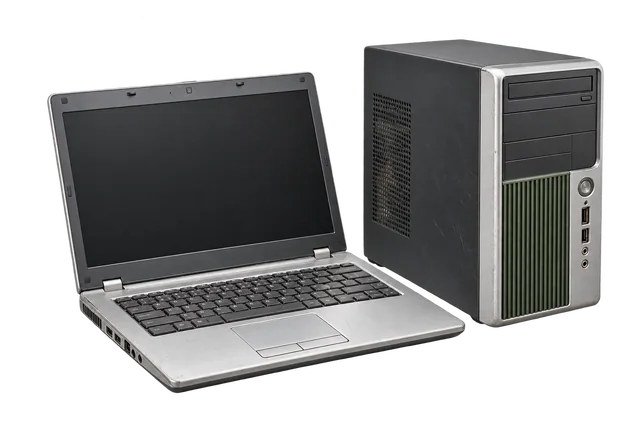
Whether you have one old laptop or an office refresh, prepare computers as an inventory rather than a mixed pile. A clear list helps establish what is being released and makes the assessment more accurate.
Make a simple device inventory
- Record device type, brand or model if known, and quantity.
- Separate working, untested and damaged equipment.
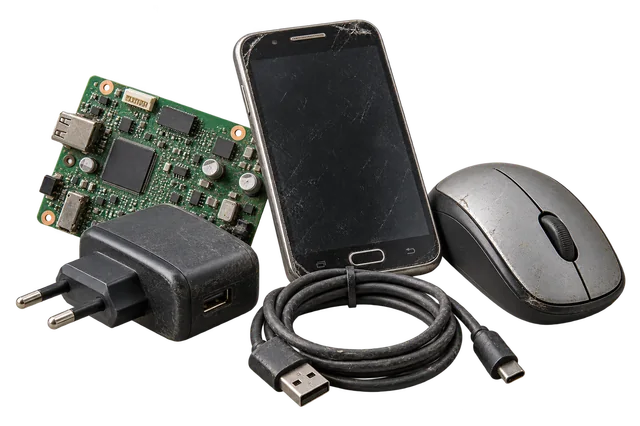
- Keep chargers, docks and accessories with the appropriate device where possible.
- Identify devices with hard drives, SSDs or removable media.
Complete data and asset release
Back up business or personal files, sign out of accounts and follow your organisation’s asset-release process. Remove labels or documents that expose sensitive information. If a drive must be retained, tell the collection team rather than assuming it can be removed on site.
Plan access for a bulk computer pickup
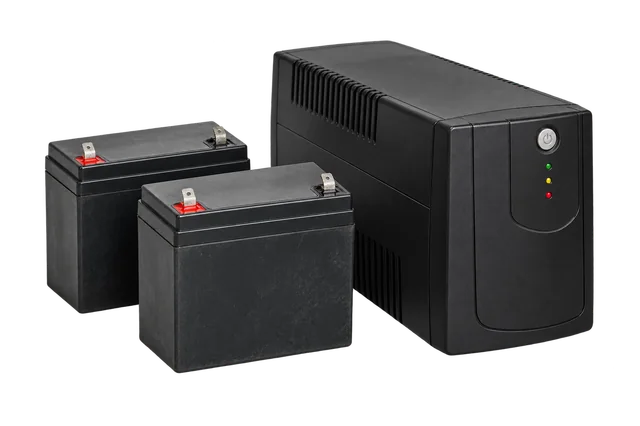
For a larger batch, share the address, floor, lift access, loading rules and available collection window. Mention servers, monitors and UPS equipment separately because their handling differs from laptops.
Book computer collection
Choose Laptops / Desktops and add the equipment you have.
Start a pickupFrequently asked questions
Do chargers affect an old laptop assessment?
Completeness can affect assessment, so list chargers and accessories separately if they are available.
Can an office release mixed laptop models?
Yes. Include approximate model groups, quantities and working condition so the batch can be reviewed.