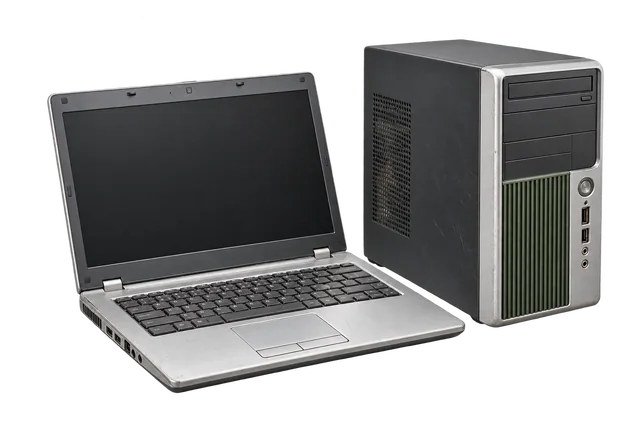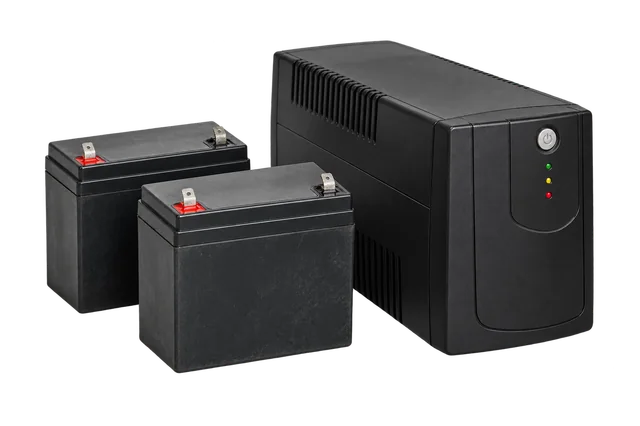
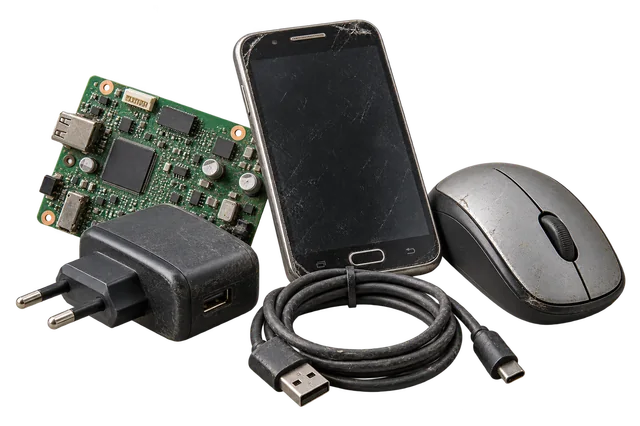
E-waste includes devices that run on electricity or batteries: laptops, desktop computers, phones, monitors, printers, chargers, routers, UPS units and many household appliances. It should not be treated as ordinary mixed waste. Start by making a short item list and separating anything that needs different handling.
Sort your electronics before collection
| Equipment | Prepare before handover | Tell the collection team |
|---|---|---|
| Laptops and desktops | Back up files, sign out and erase accessible data | Count, model, working condition and missing parts |
| Phones and tablets | Remove SIM cards and accounts | Quantity, cracked screens or battery damage |
| Batteries and UPS | Keep upright and separate | Battery type and any swelling, leakage or damage |
| Appliances | Empty, disconnect and make access clear | Item dimensions, floor and lift access |
Protect personal and company data
A collection service cannot assume responsibility for data stored on your device. Back up files you need, sign out of accounts, remove SIM or memory cards and use the manufacturer’s supported erase or reset process where possible. Organisations should follow their own asset-release and data-destruction policy before a device leaves the premises.
Handle batteries carefully
Do not puncture, crush, open or burn batteries. Keep swollen, leaking or damaged batteries away from other items and identify them clearly when requesting collection. Their acceptance and route need confirmation before movement.
Find the right e-waste category
Browse devices, batteries, appliances and other electronics before you book.
View e-waste categoriesFrequently asked questions
Can I put e-waste in my regular bin?
No. Keep electronics, batteries and electrical appliances separate and use an appropriate collection or recycling route.
Should I erase a broken laptop?
If it still powers on, erase it using the supported process. If it does not, tell the collection team it contains storage and arrange suitable data handling.